Best Apple Pay & Google Pay Crypto Cards 2026
Crypto cards compatible with Apple Pay and Google Pay for instant contactless payments. Compare mobile wallet support across issuers.
The moment that changed how we think about crypto cards was not a cashback rate or a fee structure. It was speed. We signed up for a card, got a virtual number in under 5 minutes, added it to Apple Pay, and bought a coffee before the signup confirmation email even arrived. Meanwhile, another card we applied for the same week took 12 days to ship a physical card. By the time it showed up, the first card had already earned us $40 in cashback.
That speed gap is what this page is about. Nearly every crypto card supports Apple Pay, Google Pay, or both - so mobile wallet compatibility alone is not a differentiator anymore. The real question is which card gives you the best return once it is in your phone. And there is one big gotcha: five otherwise-solid cards only support Google Pay, which means iPhone users cannot use them at all. At $2,000/month spending, picking the wrong card for your phone costs up to $744/year in missed cashback.
How we ranked these cards
Mobile wallet support is table stakes - almost every card has it. So we ranked by what matters once the card is in your phone: net cashback after all fees, whether the card supports both Apple Pay and Google Pay or just one, how fast you can go from signup to first tap, FX costs on international mobile payments, and whether you keep custody of your funds. We also flagged the cards that are Google Pay only, because that compatibility gap has a real dollar cost for iPhone users.
Here are our top picks.
Top 8 Apple Pay & Google Pay Cards
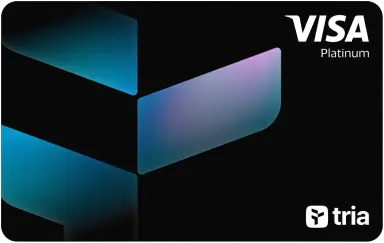
1. Tria Virtual Card
Instant Virtual Entry: 1.5% Cashback + Apple Pay
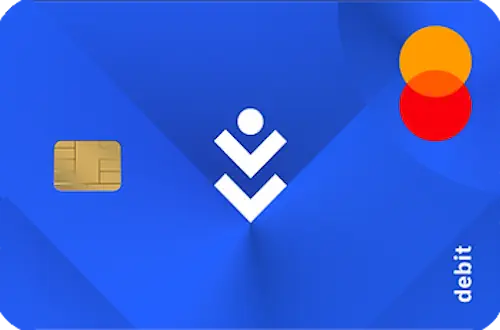
2. COCA Visa Card
Self-Banking: 8% Cashback + 6% APY + 0% FX
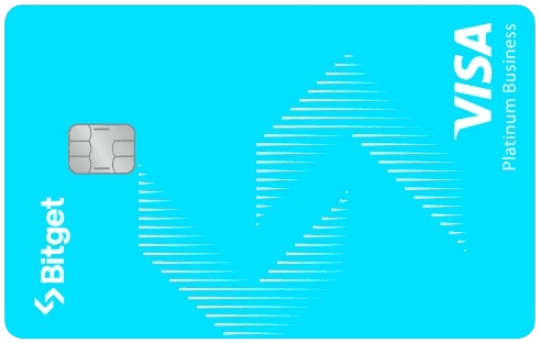
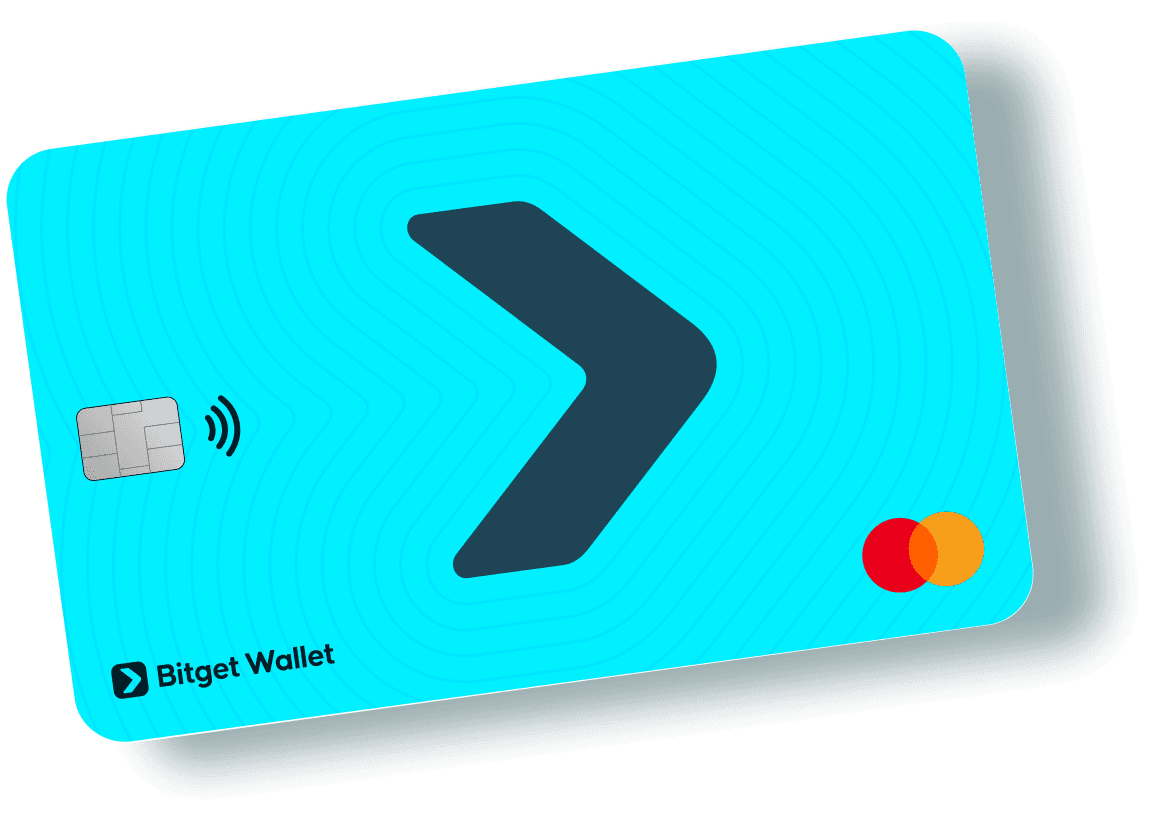
3. Bitget Card
Trade and Spend: Up to 8% BGB Cashback for Bitget Traders
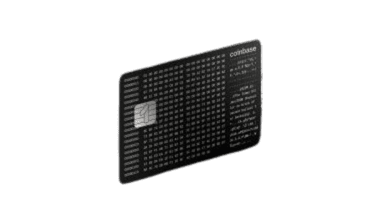
4. Coinbase Card (Prepaid Visa)
Safe & Simple: US Regulated Prepaid Visa with Rotating Crypto Rewards
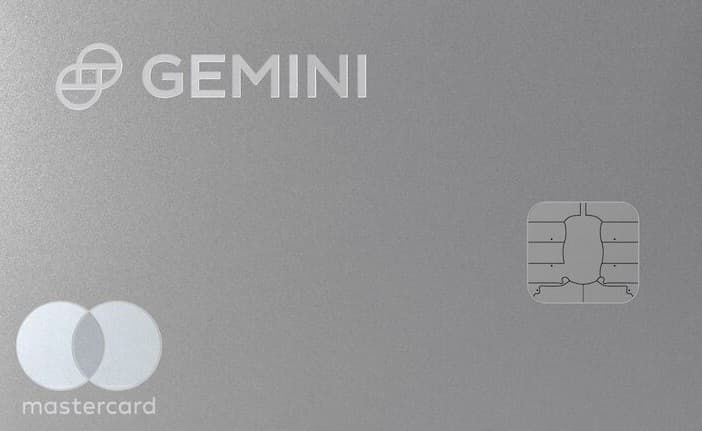
5. Gemini Credit Card
Category Crypto Rewards: 4% Gas/Transit/Rideshare, 3% Dining, 2% Groceries

6. ether.fi Core Card
Zero Barriers: 3% Back on Every Purchase, No Stake Required
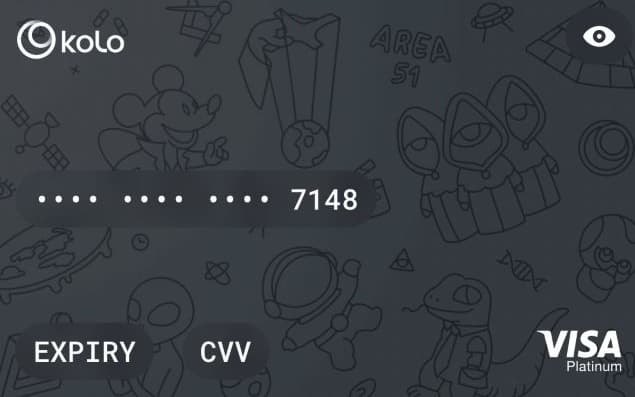
7. Kolo Card
Earn Bitcoin on Every Purchase: 5% BTC Cashback + Visa Platinum + 170+ Countries
8. Gnosis Pay Card
Your Keys, Your Card, Your Money
Apple Pay vs. Google Pay: What Actually Differs
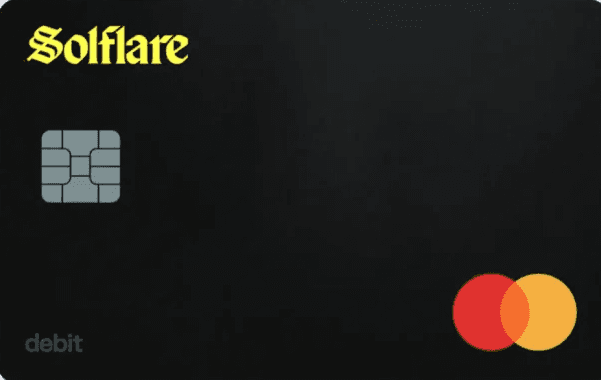
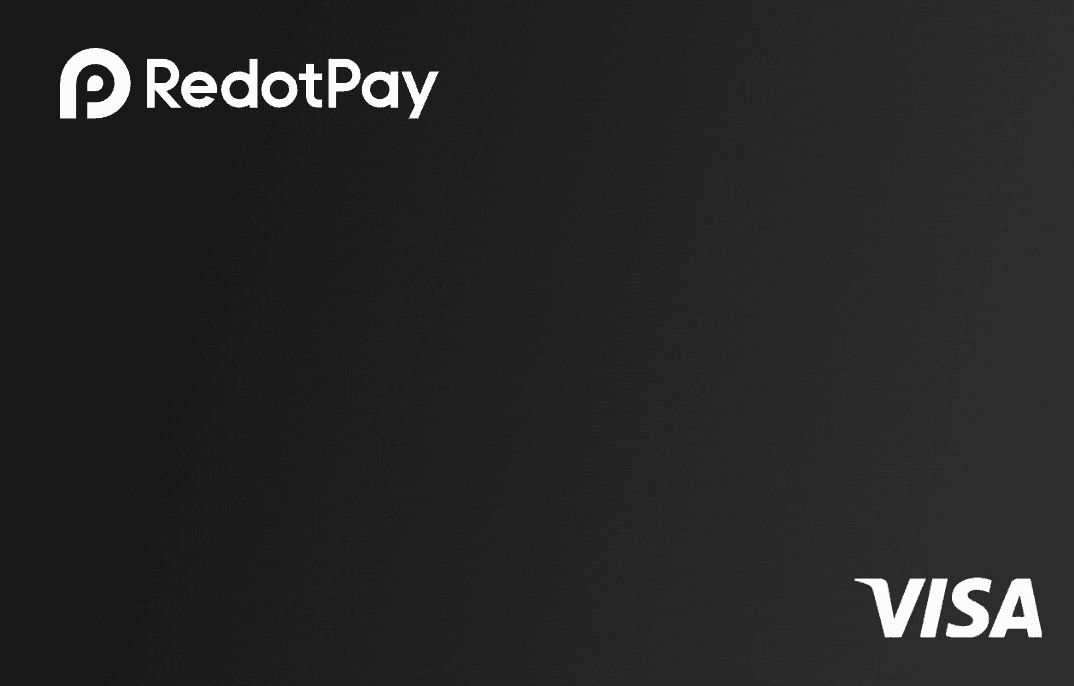
The market splits into three groups: both supported (most cards), Apple Pay only (Kraken, RedotPay), and Google Pay only (Solflare, Ready, Bitget Card, Gate.io Classic).
Notable Cards with Mobile Wallet Support
| Card | Apple Pay | Google Pay | Cashback | FX Fee | Annual Fee | Custody | Region |
|---|---|---|---|---|---|---|---|
| Plutus | Yes | Yes | Up to 9% | 2.5% | $240/yr | Non-custodial | UK/EEA |
| COCA | Yes | Yes | Up to 8% | 0% | Free | Self-custody | Global (70 countries) |
| Bitget Card | No | Yes | Up to 8% | 0% | Free | Custodial | EEA/APAC |
| Wirex Elite | Yes | Yes | 8% | 0% | $360/yr | Custodial | 35 countries |
| Gnosis Pay | Yes | Yes | Up to 5% | 0% | Free | Self-custody | EEA/UK |
| Coinbase | Yes | Yes | 4% | 0% | Free | Custodial | US |
| Gemini | Yes | Yes | Up to 4% | 0% | Free | Custodial | US |
| Uphold Elite | Yes | Yes | 4% XRP | 0% | $99.99/yr | Custodial | US |
| Uphold UK Card | Yes | Yes | 1% GBP | 0% | Free | Custodial | UK |
| ether.fi Core | Yes | Yes | 3% | 1% | Free | Self-custody | Global/US/EEA/UK |
| MetaMask Metal | Yes | Yes | 3% (first $10K/yr) | 0% | $199/yr | Self-custody | US/EEA/UK/CH/Americas |
| Ready Metal | No | Yes | 3% STRK | 0% | $120/yr | Self-custody | EEA/UK |
| KuCard | Yes | Yes | 3% | 0% | Free | Custodial | EEA |
| Bleap | Yes | Yes | 2% | 0% | Free | Self-custody | EEA |
| 1inch | Yes | Yes | 2% | 0% | Free | Custodial | EEA/UK |
| Nexo | Yes | Yes | 2% | 0.2% | Free | Hybrid | EEA/UK/CH |
| Bitpanda | Yes | Yes | 1% | 0% | Free | Custodial | EEA |
| MetaMask Virtual | Yes | Yes | 1% | 1% cross-border | Free | Self-custody | US/EEA/UK/CH/Americas |
| Kraken | Yes | No | 1% | 0% | Free | Custodial | EEA/UK |
| Gate.io Classic | No | Yes | 1-5% | 0.4% | Free | Custodial | Global |
| xPlace Standard | Yes | Yes | XP | 1% | Free | Self-custody | Global |
| Ready Lite | No | Yes | 0.5% STRK | 1% | Free | Self-custody | EEA/UK |
| Avici Platinum | Yes | Yes | None | 0% | Free | Self-custody | US/LATAM/APAC |
| RedotPay | Yes | No | None | 1.2% | Free | Custodial | Global |
| Solflare | No | Yes | Points | 1% | Free | Self-custody | EEA/UK |
| Jupiter Global | Yes | No | None (planned) | TBD | Free | Hybrid | Global |
How Mobile Wallet Payments Work with Crypto Cards
Here is what happens when you tap your phone at a terminal, step by step:
- You hold your phone near the NFC terminal and authenticate with Face ID, fingerprint, or PIN
- Apple Pay or Google Pay transmits a tokenized card number (not your real card number) plus a one-time dynamic security code
- The payment network (Visa or Mastercard) translates the token back to your actual card
- The crypto card issuer receives the authorization request and checks your balance
- For custodial cards: the issuer converts crypto from your exchange balance to fiat
- For self-custodial cards: a smart contract on-chain deducts from your wallet balance
- The merchant receives fiat settlement. Your cashback accrues per the card's reward rules
The entire process takes under 2 seconds. The merchant sees a normal Visa or Mastercard payment. They never know crypto was involved.
Security Comparison: Mobile Wallet vs. Physical Card
| Security Feature | Physical Card Tap | Apple Pay / Google Pay |
|---|---|---|
| Card number exposed | Yes (NFC broadcasts card data) | No (tokenized, one-time code) |
| Authentication | None (contactless under $100) | Face ID, fingerprint, or PIN every time |
| Cloning risk | Low but possible (NFC skimming) | Zero (token is device-bound) |
| Lost/stolen protection | Must call issuer to freeze | Remote lock + wipe via Find My / Google |
| Data breach exposure | Real card number stored by merchant | Token stored, useless to attackers |
Mobile wallets are strictly more secure than physical cards for contactless payments. The tokenization layer means a merchant data breach cannot compromise your card number. The biometric requirement means a stolen phone cannot be used for payments without your face or fingerprint.
The Three Numbers That Matter for Mobile Wallet Cards
Number 1: Net annual value at your spending level. Mobile wallet support is a convenience feature, not a financial differentiator. The card's cashback rate, FX fees, and annual fee determine its value.
| Card | Cashback (annual at $2K/mo) | FX Costs | Annual Fee | Net Annual Value |
|---|---|---|---|---|
| COCA Elite (8%*) | $1,920 | $0 | $0 | $1,920 |
| Bitget Card (7.1% net) | $1,704 | $0 | $0 | $1,704 |
| Coinbase (4%) | $960 | $0 | $0 | $960 |
| ether.fi Core (3%) | $720 | -$240 FX | $0 | $480 |
| MetaMask Virtual (1%) | $240 | $0 (domestic) | $0 | $240 |
| Gnosis Pay (3%) | $720 | $0 | $0 | $720 |
*COCA's 8% rate requires staking 30,000 $COCA tokens (locked during membership, 30-day cooldown to unstake). The 6 tiers run from 1% (no tokens) to 8% (Elite, $10K/mo allowance). Above each tier's monthly allowance, all purchases earn 1%. Most users without significant COCA staking will realistically earn 1-3%.
Our 2026 review confirms: do not choose a card just because it supports Apple Pay. Nearly every card does. Choose based on net annual value, then confirm mobile wallet support as a final check.
Number 2: Days saved versus waiting for physical card. Every day waiting is cashback missed.
| Scenario | Days Waiting | Monthly Spend | Daily Cashback Missed (4%) | Total Lost |
|---|---|---|---|---|
| Physical card, same country | 7 days | $3,000 | $3.29/day | $23 |
| Physical card, international | 14 days | $3,000 | $3.29/day | $46 |
| Physical card, lost in mail | 21+ days | $3,000 | $3.29/day | $69+ |
| Virtual card + mobile wallet | 0 days | $3,000 | $0 missed | $0 |
At $3,000/month spending with 4% cashback, waiting 14 days for a physical card costs $46 in missed earnings. The virtual card pays for itself from the first tap.
Number 3: Wallet compatibility with your phone ecosystem. Five cards are Google Pay only (no Apple Pay): Solflare, Ready Lite, Ready Metal, Bitget Card, Gate.io Classic. Two are Apple Pay only: Kraken, RedotPay. If you are an iPhone user and your top-choice card is Google Pay only, the next-best Apple Pay card might be worth $200-500/year less. That compatibility gap has a dollar value.
Named Scenarios
Scenario 1: James, US Software Engineer in San Francisco
Setup: iPhone 15 Pro. Monthly spending: $4,000. Wants fastest possible setup with highest cashback. Does not care about self-custody.
Card: Coinbase Card (4%, Apple Pay + Google Pay, Visa)
James opened Coinbase in 2021 and already has a verified account. He applied for the card, got the virtual number in 3 minutes, added to Apple Pay with one tap, and bought lunch 8 minutes after applying. Physical card arrived 9 days later but he had already earned $36 in cashback by then. He loads $1,000 in USDC every Monday.
Annual value: $1,920 cashback, $0 fees, $0 FX costs. Total time managing: 5 minutes per week.
Scenario 2: Lina, Android User and Freelancer in Berlin
Setup: Samsung Galaxy S24. Monthly spending: $2,500. Wants self-custody and highest cashback. See our freelancers guide.
Card: Bitget Card (7.1% net, Google Pay only, Visa) + Gnosis Pay (3%, both wallets, Visa) as backup
Lina's primary card (Bitget) supports Google Pay but not Apple Pay. Since she uses Android, this is fine. She added it to Google Pay and uses it for 80% of spending. For the 20% she wants on self-custody, she uses Gnosis Pay. Both cards are in her Google Pay wallet, and she selects which one to use before each tap.
Annual value: Bitget $1,420 (on $2,000/mo) + Gnosis Pay $180 (on $500/mo) = $1,600 total, $0 fees.
Scenario 3: Yuto, Digital Nomad in Southeast Asia
Setup: iPhone 14. Monthly spending: $3,000, 100% in foreign currencies. Needs 0% FX above all else. See our nomad guide.
Card: COCA (1-8%, Apple Pay + Google Pay, 0-1% FX) + physical RedotPay for ATMs
Yuto uses Apple Pay with COCA for all NFC transactions (restaurants, convenience stores, coworking spaces). In markets and street vendors that do not accept NFC, he uses RedotPay's physical card for ATM cash withdrawals. In Thailand, about 70% of his spending works with Apple Pay. In Vietnam, about 40%. He always carries the physical card.
Annual value: COCA $360-$2,880 (depending on tier) + $900 FX savings vs bank at 2.5% = $1,260-$3,780 total. The FX savings alone justify the switch from a traditional bank card.
Virtual Card Management
| Card | Virtual Cards Included | Extra Cards | Best For |
|---|---|---|---|
| ether.fi Pinnacle | 10 + 2 physical | Included | Business expense management |
| ether.fi Core | 3 | Upgrade for more | Multiple spending categories |
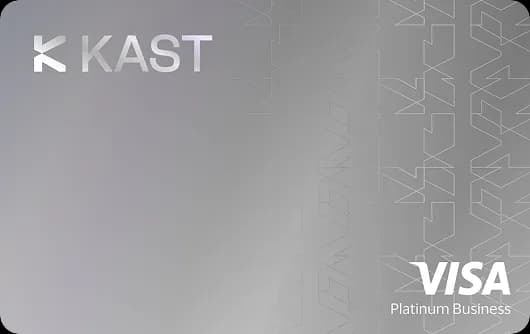
| KAST | 1 | N/A | Instant global access |
| Avici Platinum | 1 free | $10 each additional | Budget-conscious users |
| Coinbase | 1 | N/A | Single-card simplicity |
Multiple virtual cards matter for security: create one for subscriptions, one for online shopping, one for daily spending. If a merchant gets breached, freeze only that virtual card without disrupting other payments. For business users, the ether.fi Pinnacle's 10 virtual cards allow per-employee or per-department expense separation without sharing a single card number.
Transit Card Integration
In cities with NFC transit systems, your crypto card in Apple Pay or Google Pay doubles as a transit card. Every ride earns cashback.
| City | Transit System | NFC Supported | Ride Cost | Annual Cashback at 3% (daily rider) |
|---|---|---|---|---|
| London | TfL (Tube, Bus) | Yes | $3.50/ride | $38/year |
| New York | OMNY | Yes | $2.90/ride | $32/year |
| Singapore | SimplyGo | Yes | $1.50/ride | $16/year |
| Sydney | Opal | Yes | $2.80/ride | $31/year |
| Dubai | nol | Yes | $1.50/ride | $16/year |
| Berlin | BVG | Yes | $3.80/ride | $42/year |
| Barcelona | TMB | Yes | $1.40/ride | $15/year |
| Amsterdam | OVpay | Yes | $2.20/ride | $24/year |
| Hong Kong | Octopus NFC | Yes | $1.20/ride | $13/year |
| Tokyo | Suica/PASMO | Limited | $2.00/ride | Not all terminals |
At 3% cashback with daily commuting, you earn $13-42/year from transit alone depending on your city. Combine with every other tap throughout the day (groceries, coffee, lunch) and the total compounds quickly.
When You Still Need the Physical Card
Mobile wallets cover 90%+ of daily spending in urban areas, but physical cards remain necessary for:
- ATM withdrawals: Most ATMs require chip insertion. Cards with free ATM: Ready Metal ($800/month), Bleap ($400/month), COCA ($250/month)
- Older POS terminals: Gas stations, parking meters, and some retailers in LATAM and Africa still require chip-and-PIN
- Hotel and rental deposits: Physical card often required for security holds
- Phone battery dead: No phone, no payment. Carry the physical card as backup
Strategy: Use mobile wallet for 90% of transactions (faster, more secure). Carry physical card for the 10% of edge cases.
Our Take
Tapping your phone versus swiping the physical card makes zero difference for tax purposes - the taxable event is the crypto-to-fiat conversion, not the payment method. Fund with stablecoins to simplify this entirely. See our country pages for jurisdiction-specific tax rules.
Mobile wallet support is table stakes in 2026. Nearly every crypto card supports Apple Pay, Google Pay, or both. Do not choose a card because it supports your mobile wallet. Choose the card with the best (cashback minus fees) at your spending volume and in your region, then verify it supports your phone's wallet as a final check.
The one exception: iPhone users must check the Apple Pay column. Five otherwise-solid cards (Solflare, Ready Lite, Ready Metal, Bitget Card, Gate.io Classic) are Google Pay only. The Bitget Card gap is the most painful: 7.1% net cashback, uncapped, free, but no Apple Pay. iPhone users leave $744/year on the table at $2,000/month if they settle for the next-best Apple Pay option.
Start with a free card that supports your wallet, fund with stablecoins, and make your first purchase within 10 minutes of signup. The physical card can arrive whenever it arrives. The cashback starts earning from the very first tap.
Disclaimer: SpendNode is a data comparison platform. We are not financial advisors. Crypto cards involve risks including asset volatility, custodial risk, and tax complexity. Verify all terms directly with issuers before applying.
Written by Aleksandar Dukic
Frequently Asked Questions
Do I need the physical card to use Apple Pay or Google Pay?
No. Most crypto cards issue a virtual card number instantly after KYC. You can add this to Apple Pay or Google Pay within minutes and start spending immediately, often before your physical card ships. Cards like Coinbase, MetaMask, and ether.fi offer one-tap provisioning.
Is Apple Pay or Google Pay more secure than the physical card?
Yes. Mobile wallets use tokenization: each transaction generates a unique one-time security code. Merchants never see your actual card number. Combined with biometric authentication (Face ID, fingerprint), mobile wallet payments are significantly harder to clone or intercept than physical card transactions.
Do I earn the same cashback when paying with Apple Pay?
Yes. Cashback rates are tied to the card, not the payment method. Whether you tap your phone, swipe the physical card, or enter the virtual card number online, you earn the same rewards rate. There is no penalty or bonus for mobile wallet transactions.
Which crypto cards support both Apple Pay and Google Pay?
Most cards support both. Notable exceptions: Solflare and Ready support Google Pay only (no Apple Pay). Kraken and RedotPay support Apple Pay only (no Google Pay). Bitget Card supports Google Pay only. Check the comparison table for your specific card.
Can I use Apple Pay abroad with a crypto card?
Yes. Apple Pay and Google Pay work at any NFC terminal worldwide, the same as a physical contactless card. Your crypto card's FX fee still applies on foreign currency transactions. Cards with 0% FX (Coinbase, Gnosis Pay, MetaMask Metal) make international mobile payments completely free. MetaMask Virtual charges 1% cross-border. COCA charges 0% on direct stablecoin pairs and 1% on indirect.
What happens if my phone battery dies?
You cannot use Apple Pay or Google Pay with a dead phone. This is why carrying a physical card as backup is recommended, especially for travel. Some iPhones support power reserve mode for transit cards, but this does not extend to payment cards.
Do self-custodial cards work with Apple Pay?
Yes. MetaMask, ether.fi, COCA, Bleap, xPlace, and Avici are all self-custodial and support Apple Pay. The mobile wallet transaction triggers the same on-chain settlement as a physical card tap.
How fast can I start spending with Apple Pay after signing up?
Cards like Coinbase, MetaMask Virtual, and KAST issue a virtual card number within minutes of KYC approval. Adding to Apple Pay takes 30-60 seconds. Total time from signup to first purchase: under 10 minutes for most issuers.